


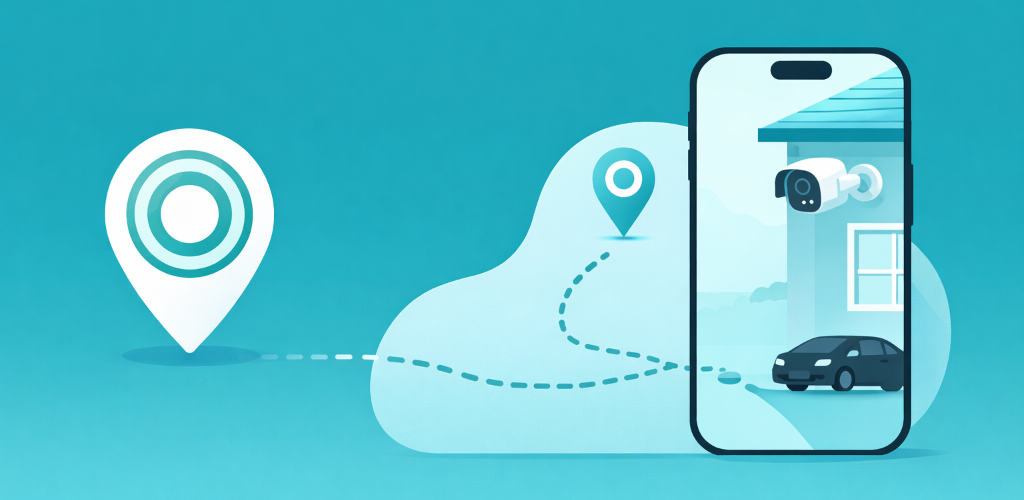
The trigger to build GeoCam was small and unglamorous: I kept forgetting to arm my Blink cameras when I left the house, and I kept forgetting to disarm them when I came back. My partner had the same problem. After enough false-positive notifications and “wait, are the cameras even on right now?” moments, I went looking for an off-the-shelf fix. There wasn’t one I liked.
This post is the short version of what I tried, why I ended up building my own, and what I learned about Blink’s automation gaps along the way.
Blink doesn’t have native geofencing
This is the first thing worth saying clearly: as of 2026, the Blink app does not include location-based arming. The product team has chosen schedules and manual control as the primary automation surfaces. That is a defensible product decision (geofencing is messy on real phones, and a security camera that arms or disarms by mistake is worse than one that just sits there), but it leaves a clear gap for households where everyone’s day looks different.
I wrote up the gap separately, with worked examples for hybrid work, shift work, and family schedules: Blink Schedules vs Geofencing, which one should you actually use. The short answer is “use both,” but that requires a way to do the geofencing half.
The four ways to patch it (and why none stuck)
Before writing a single line of code I tried each existing workaround. I documented all four in a single guide, but here’s the honest summary of why I gave up on each:
- Alexa Routines. Alexa supports location triggers and a routine can arm Blink, but Blink does not let routines disarm the system, so the trip home always needed a voice code or a tap. I wrote up the failure modes in GeoCam vs Alexa Routines for Blink.
- IFTTT. IFTTT’s Blink service can arm and disarm from two location applets, but each applet follows a single phone, two applets are the whole free plan, and the applets depended on the IFTTT app staying alive in the background. The full comparison is in GeoCam vs IFTTT for Blink Geofencing.
- Home Assistant. Technically the most powerful path, but the setup tax is enormous if you don’t already run Home Assistant. I broke down what it actually takes in GeoCam vs Home Assistant for Blink.
- Blink Schedules. Not a workaround, the official tool, but time-based, so it leaves gaps any time your real day doesn’t match the calendar. I walked through three concrete days where the gap matters in GeoCam vs Blink Schedules.
The pattern is consistent: each option fails on either reliability, setup cost, or family use cases, sometimes all three.
What I actually wanted
When I sat down to design GeoCam I wrote down three constraints that ruled out most existing options:
- No third-party automation hub. Going Phone → Blink directly. No Alexa, no IFTTT, no Webhooks middleman. Fewer moving parts means fewer ways for “did the camera arm tonight?” to resolve to “I have no idea.”
- One subscription per household, not per phone. Family logic has to be first-class: cameras should disarm when anyone is home and arm only when everyone has left. Most generic geofencing services treat each device as an island.
- Credentials never leave the device. Blink’s API requires user credentials, and I wasn’t willing to put a server in the trust path. The whole authentication and geofence evaluation runs locally on the phone.
These constraints are also why GeoCam looks intentionally narrow as a product: it does one job, and it tries to do it on the same hardware that already knows where you are.
Where it is now
GeoCam is live on iOS and Android. The full product page, FAQ, and the four head-to-head comparisons above all sit on geocam.matteotomasini.com. The pricing model matches the household-first design: a single subscription covers everyone in a family, not one charge per phone.
If you’re trying to solve the same problem (Blink cameras that should follow your presence and not your calendar), the pillar piece Blink Schedules vs Geofencing is the best place to start. It will tell you whether you actually need geofencing in the first place, or whether a richer schedule will do. Either answer is fine. The point is making the decision deliberately, instead of finding out at 11pm that the cameras are still off.