


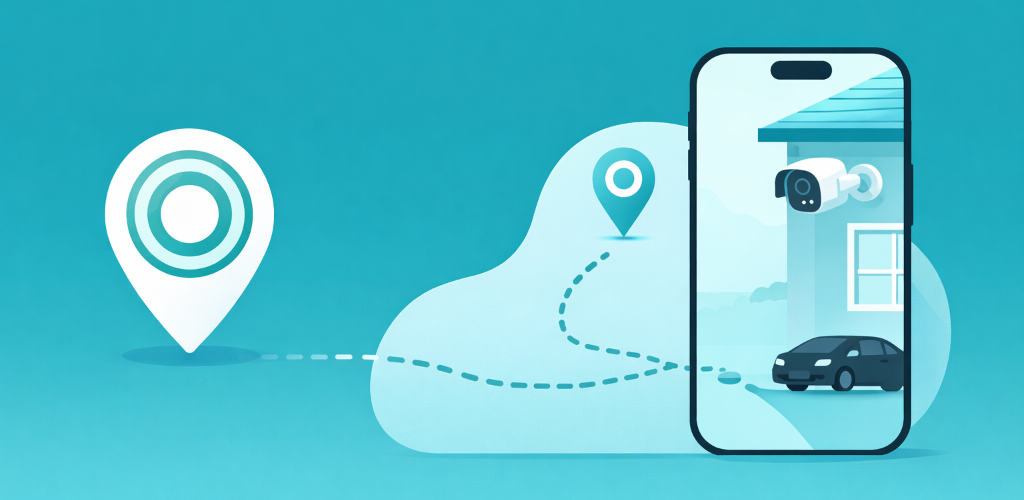
Short answer: no. As of 2026, the Blink app does not have geofencing. There is no “arm when I leave home” toggle, no location trigger, and no presence detection anywhere in the official app. Blink’s only built-in automation is a time-based schedule, plus manual arm and disarm.
If you came here because you assumed a modern security camera would arm itself when you leave, that is a reasonable assumption, and Blink just does not do it. The good news is that the gap is easy to close. This page explains why the feature is missing, what your real options are, and the fastest fix.
Quick answer: Blink has no native geofencing in 2026. To auto-arm Blink by location you need either a third-party chain (Alexa, IFTTT, Apple Shortcuts, or Home Assistant) or a dedicated geofencing app. A purpose-built app like GeoCam is the only option that sets up in about 60 seconds and works for a whole household on one subscription.
Why Blink does not include geofencing
Blink is an Amazon-owned, battery-first security brand. Two design choices explain the missing feature:
- Battery conservation. Real geofencing has to watch your phone’s location in the background. Blink’s product team has kept the app deliberately light, and continuous location monitoring runs against that philosophy. (Modern phones actually solve this with a low-power, event-based geofence API, but Blink has not built on top of it.)
- Safety of a simple model. A camera that arms or disarms itself by mistake is arguably worse than one that just sits on a fixed schedule. Time-based schedules are predictable. Location triggers are messier on real phones, so Blink left them out rather than ship something flaky.
The result is a clear gap: schedules work only for households with a perfectly fixed routine. For anyone with shift work, kids, weekends, or a partner on a different timetable, a fixed schedule either arms the cameras while someone is still inside or leaves them off while the house is empty. I broke down exactly when each approach fits in Blink Schedules vs Geofencing.
What you can do instead
There are four real ways to add location-based arming to Blink. Each has trade-offs, and I have a full write-up for every one:
- Alexa Routines. Since Amazon owns both, Alexa can flip Blink’s arm state, but its location trigger reads one phone and routes through the cloud, so it is slow and single-person. See GeoCam vs Alexa Routines.
- IFTTT. There is no native Blink service, so you chain through Alexa or Webhooks, and location triggers now sit behind a paid plan. See GeoCam vs IFTTT.
- Home Assistant. The most powerful path, but it needs an always-on server, an unofficial integration, and YAML automations. See GeoCam vs Home Assistant.
- A dedicated geofencing app. Purpose-built for exactly this job, no hub, no server, no chained accounts.
For the side-by-side on all four, plus the step-by-step setup, see the full guide: How to make Blink cameras arm automatically.
The 60-second fix most households land on
If you just want Blink to arm when you leave and disarm when you get back, a dedicated app is the least fragile option. GeoCam does one thing: location-driven Blink arming.
- Install GeoCam on iOS or Android.
- Sign in with your Blink credentials. They stay on the device, nothing is uploaded to a server.
- Draw a zone around your home on the map.
- Grant “Always” location permission so the OS-level geofence can fire in the background.
That is it. Cameras arm when the last phone leaves the zone and disarm the moment anyone returns. One household subscription covers every phone, so a family does not pay per person.
FAQ
Does Blink have geofencing in 2026?
No. The official Blink app supports time-based schedules and manual arm/disarm only. It has no location-based (geofencing) auto-arm, no “arm when I leave” trigger, and no presence detection.
Will Blink add native geofencing?
There is no announced plan. Blink’s automation surface has stayed schedule-based for years, so the safest assumption is that you need a third-party option or a dedicated app to get location-based arming today.
What is the easiest way to geofence Blink?
A dedicated geofencing app is the most reliable path. Setup takes about 60 seconds: install the app, sign in with your Blink credentials, and draw a zone around your home. The app arms your cameras when you leave and disarms them when you return.
Does Blink geofencing work for a whole family?
With a family-aware app it does. The cameras arm only when every paired phone has left the zone and disarm as soon as anyone comes back, which prevents false arms while a partner, child, or guest is still inside.
Does geofencing drain phone battery?
Not meaningfully. Modern iOS and Android use an event-based geofence API that wakes the app only when you cross the zone boundary, instead of polling GPS continuously. Typical daily cost is under 1%.
See also
- Blink Geofencing: How to Auto-Arm Cameras When You Leave
- The Best Blink Geofencing App in 2026
- How to make Blink cameras arm automatically
- Blink Schedules vs Geofencing
- GeoCam vs Alexa
- GeoCam vs IFTTT
- GeoCam vs Home Assistant
Want Blink to follow where you actually are? Try GeoCam and auto-arm your cameras the moment you leave home.